
The AI workspace that works from your documents and your API keys.
TeamUp brings projects, AI chat, RAG-grounded Assistants, and team collaboration into one place - with no credit limits and no billing surprises.
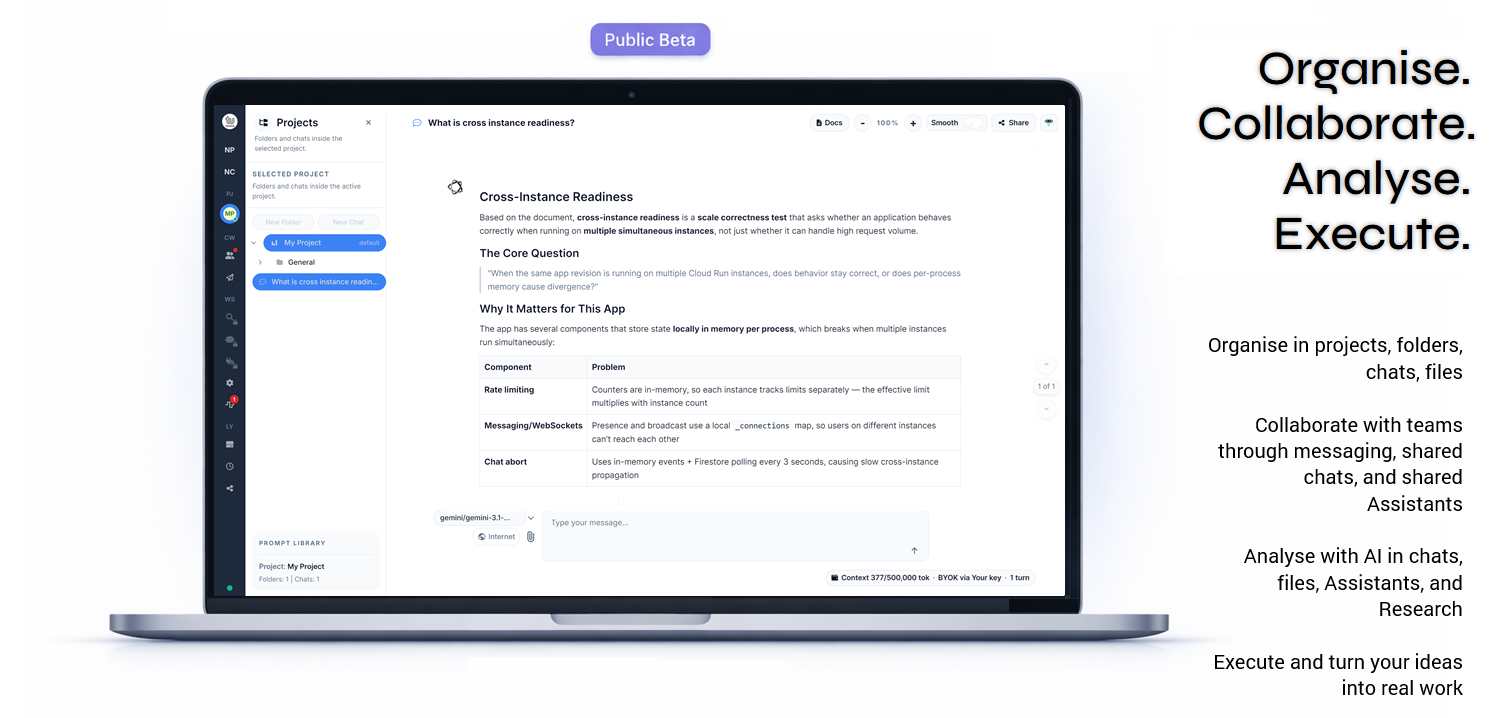
Public beta • BYOK-first • AI Assistants • Research with citations • Team collaboration
What you can do in TeamUp
- Organise AI chats into projects and folders
- Use your own API keys with supported providers
- Upload files for reusable AI context
- Create AI Assistants grounded in your documents
- Use Platform Assistants for ready-made help
- Ask UpBuddy about the app and your content
- Run Research and create cited reports
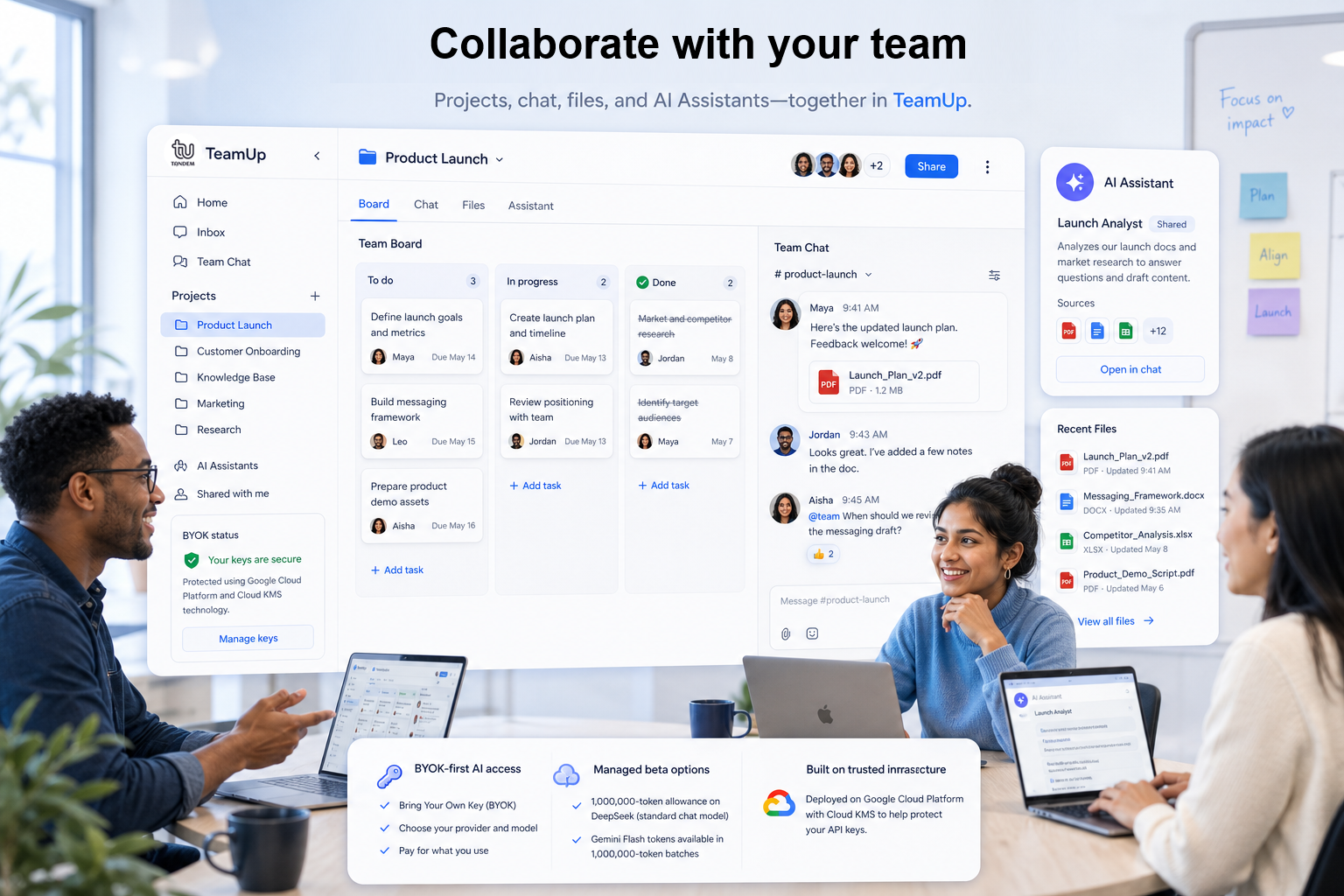
- Collaborate with teams through shared chats and messaging
Use the AI providers you already trust.
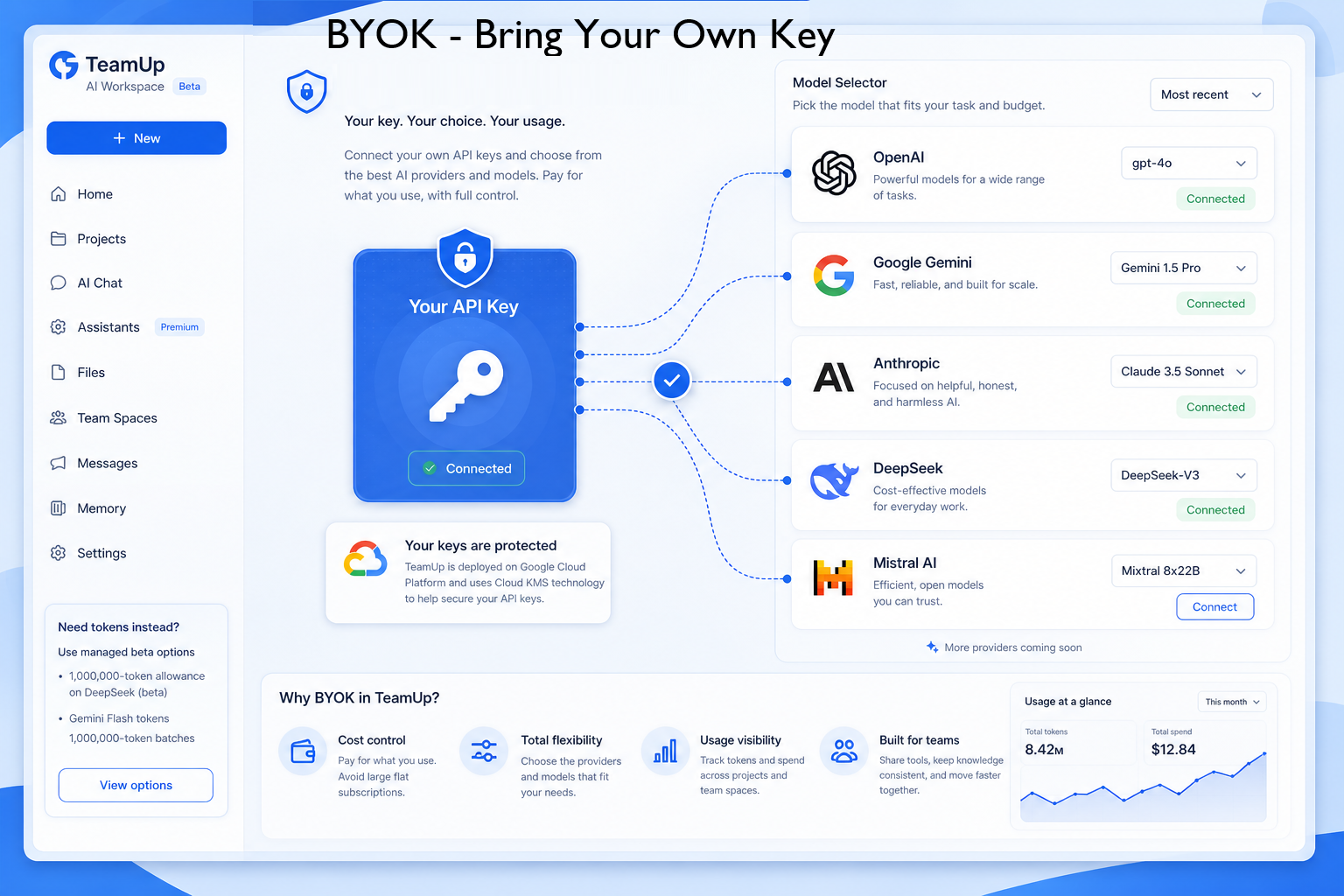
Connect your own API keys, choose your models, and pay your provider directly — without TeamUp adding hidden credit markups.
Connect your own API keys for supported providers, choose the models you want to use, and pay based on your own usage.
Most AI tools charge you per credit, reset your budget monthly, and hide the real cost. TeamUp lets you connect your own API key - you pay your provider directly, at provider prices. No markups, no resets, no surprises.
If you prefer not to use your own keys, managed beta options are also available, including DeepSeek starter tokens and Gemini Flash token batches.
OpenAI
ChatGPT

Anthropic
Claude

Gemini

xAI
Grok

Mistral AI
Mistral

Work with AI on your terms
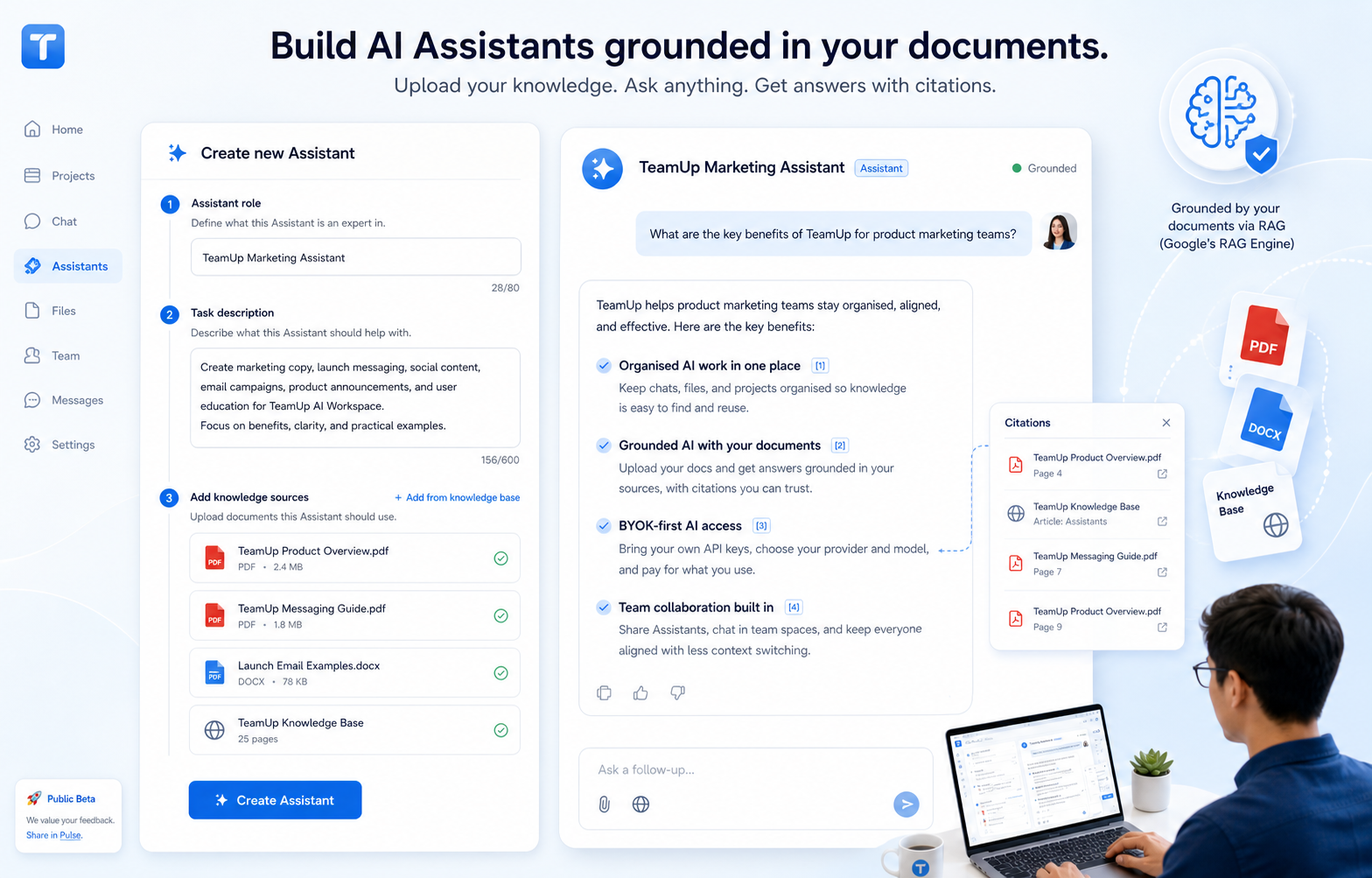
Create AI Assistants that understand your documents.
Build your own Assistants, or start with ready-made ones
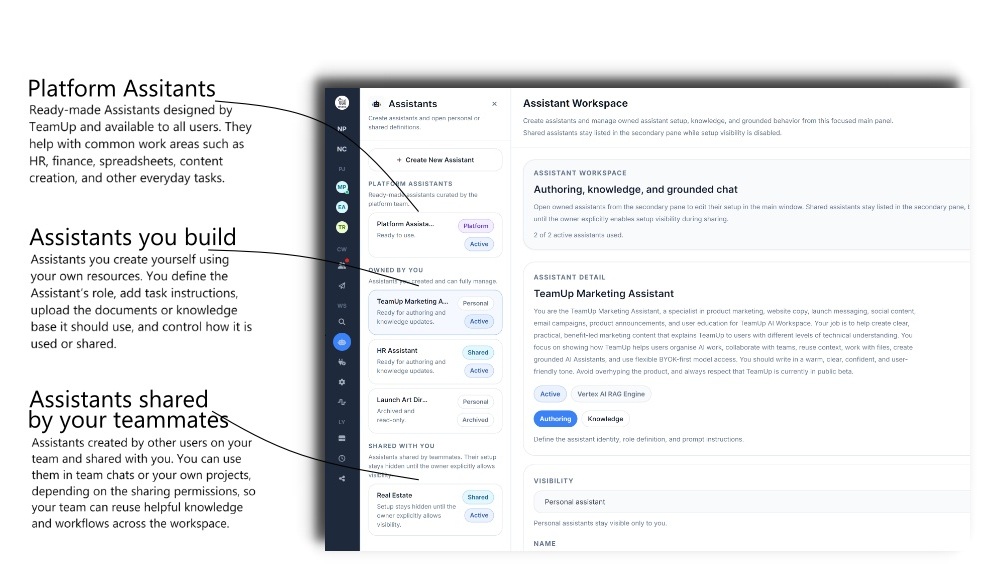
Ready-made Assistants for common work areas

HR Manager
Helps answer HR-related questions, explain policies, and support workplace guidance.

Spreadsheet Expert
Helps with formulas, table structure, data analysis, and spreadsheet workflows.

Finance Advisor
Helps with financial summaries, planning, analysis, and finance-related content.

Marketing Director
Helps users plan, create, run, and improve marketing campaigns.
Start with a Platform Assistant. Make it yours.
Platform Assistants are designed to give users a useful starting point straight away. They come with ready-made purpose and guidance, helping users begin faster without building everything from scratch.
With Make It Yours, users can personalise that experience by adding their own context, memory, and documents. This gives the Assistant a user-specific knowledge layer on top of its generic Platform knowledge, so it can respond with stronger relevance to the user’s actual work.
Built for solo and team work.
Create teams, collaborate with teammates, and keep conversations moving with direct and team messaging built into the workspace.
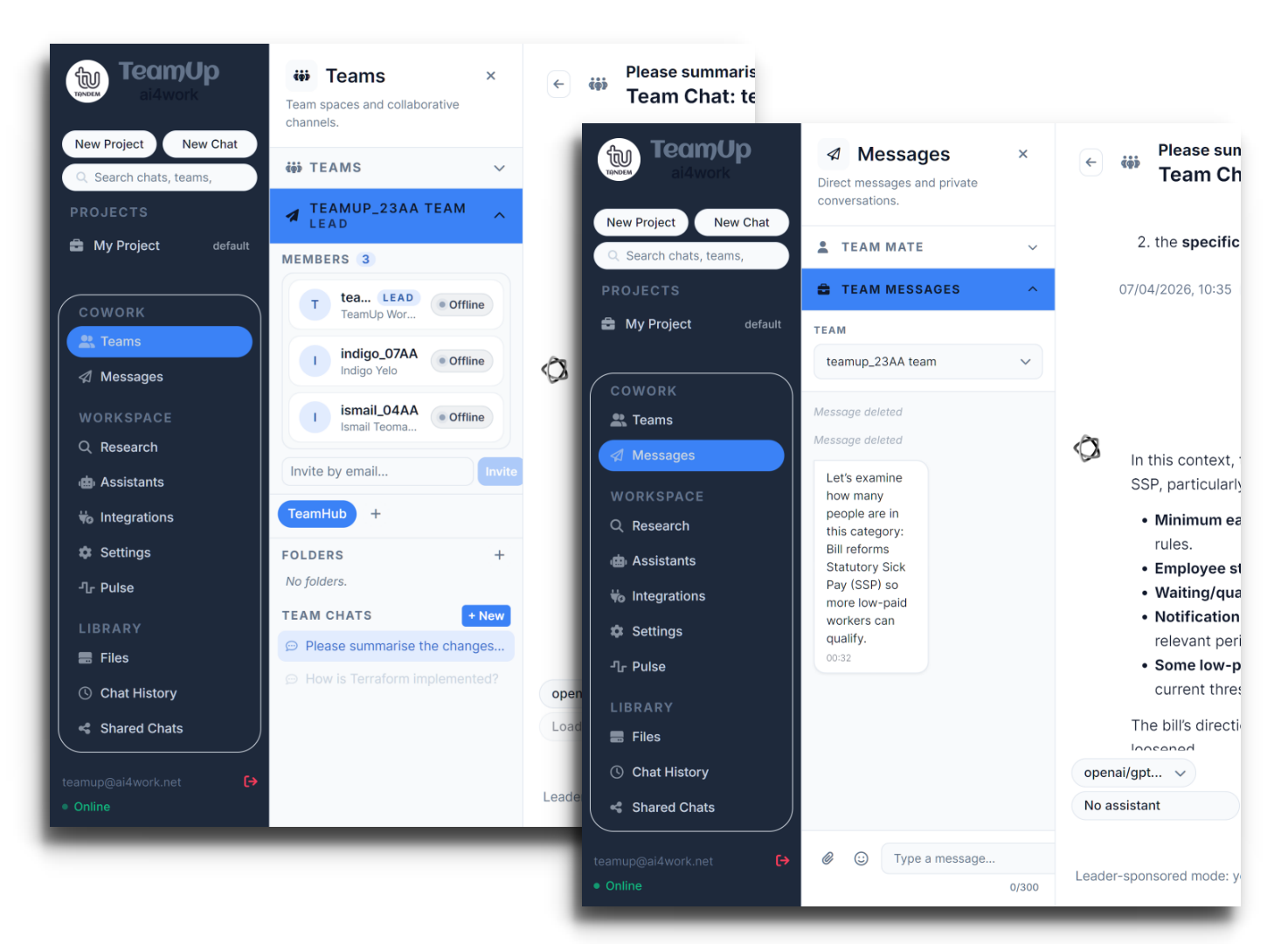

Collaboration built into workflow
Shared team boards and chats
Invite teammates by email
Direct messaging inside TeamUp
Team messaging in one workspace
Fork team chats privately
Shared spaces for teamwork
Stay aligned without switching tools
Join 100+ teams already in beta
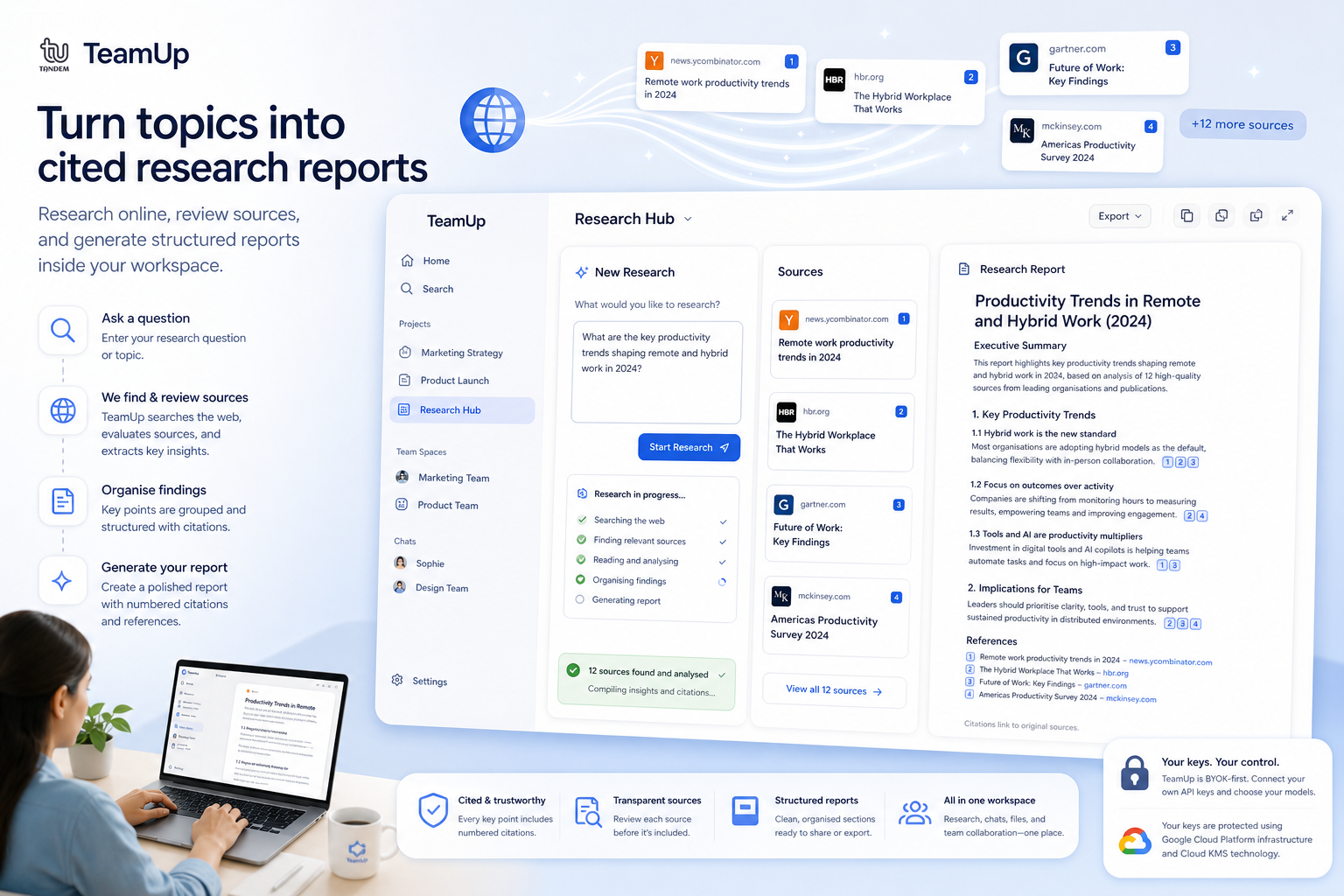
Research with cited reports, right inside TeamUp.
Deep research, done right inside your workspace
When users need more than a quick answer, TeamUp Research helps them explore topics, gather information, and turn findings into structured reports. Powered by Vertex Search, Research can perform online research on chosen topics and provide reports with citations users can review.
Instead of opening dozens of tabs and losing track of sources, users can collect findings inside their workspace and use the results for planning, market research, writing, analysis, or project preparation.
Research topics online
Generate structured reports
Review cited sources
Summarise complex information
Keep findings inside TeamUp projects
TeamUp's Public Beta Launch
We're excited to announce that TeamUp is transitioning from a limited beta to a public beta phase. This marks a significant milestone in our journey to refine and enhance our AI workspace. Our primary focus during this phase is to stabilize the platform and improve the core user experience. We are committed to evolving TeamUp based on real user feedback, ensuring that it meets the needs of our diverse user base.
With the public beta, users can now access a more robust version of TeamUp, complete with new features and improvements. We encourage all users to actively participate by sharing their insights and suggestions through our integrated Pulse feedback system. Your input is invaluable in shaping the future of TeamUp, and we look forward to building a workspace that truly empowers collaboration and productivity.
Explore Our Key Features
Tap or hover to explore each feature
Choose your provider, choose your model
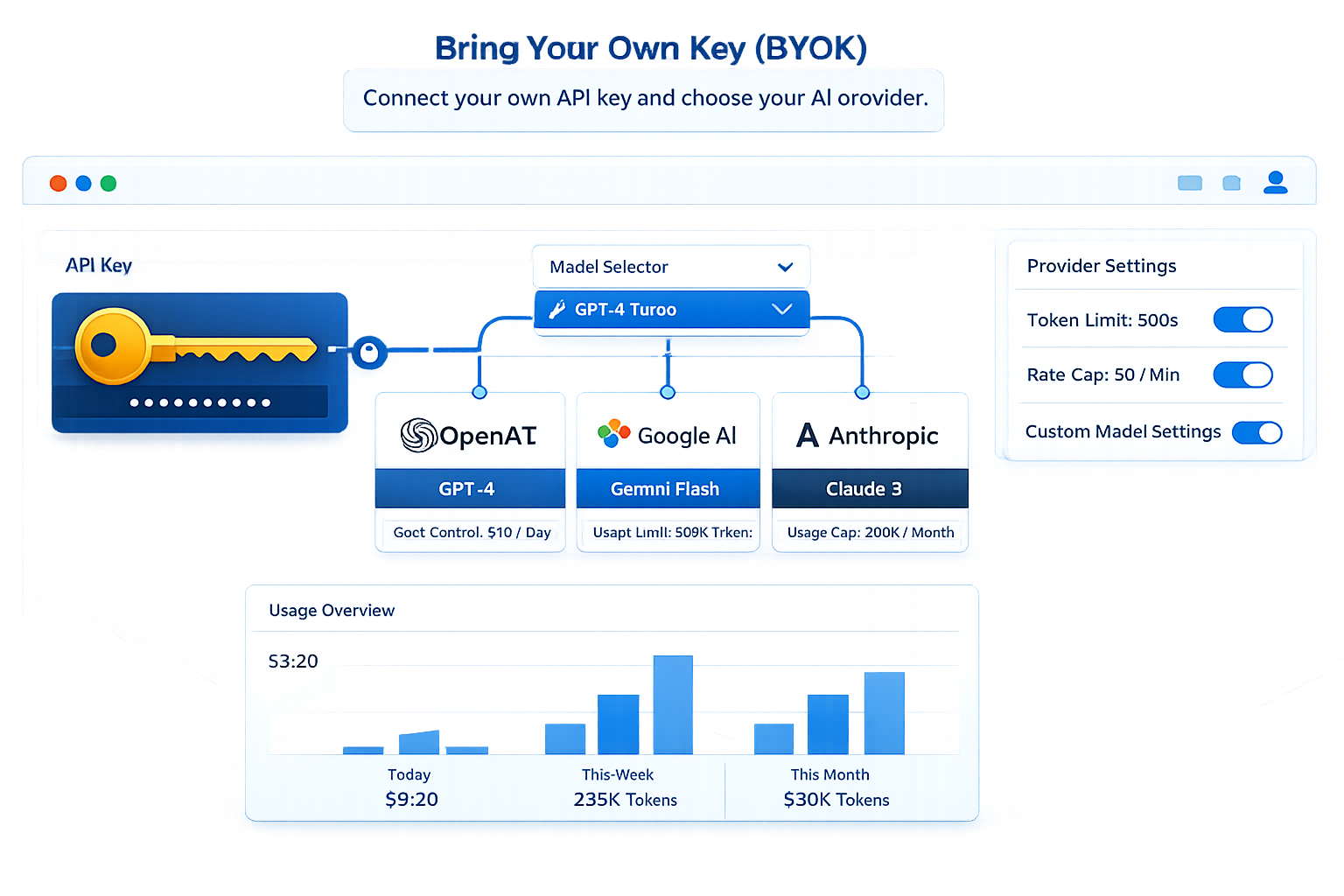
TeamUp supports Bring Your Own Key (BYOK) setup for users who want to connect supported AI providers using their own API credentials. That gives people and teams more flexibility in how they work with AI, while keeping their work organised inside the TeamUp workspace.
Choose how you want to use AI in your workspace
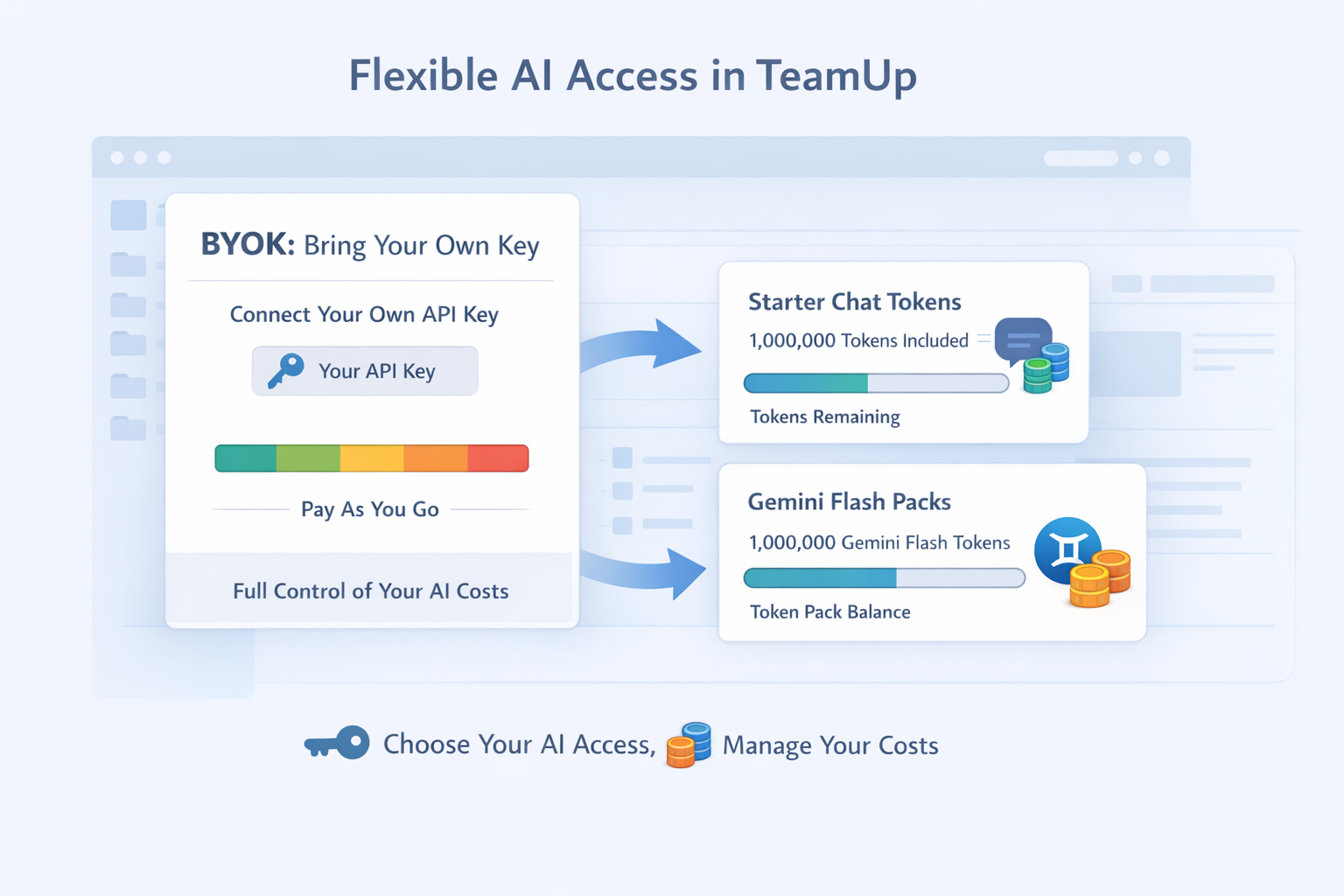
For users who prefer not to bring their own keys, TeamUp also offers managed options in beta. The platform currently provides a 1,000,000-token allowance on a standard chat model (currently DeepSeek) and offers Gemini Flash text/chat tokens in 1,000,000-token batches. This gives users a flexible path: bring your own provider access for maximum control, or use managed tokens for a simpler setup.
Connect your keys with stronger protection
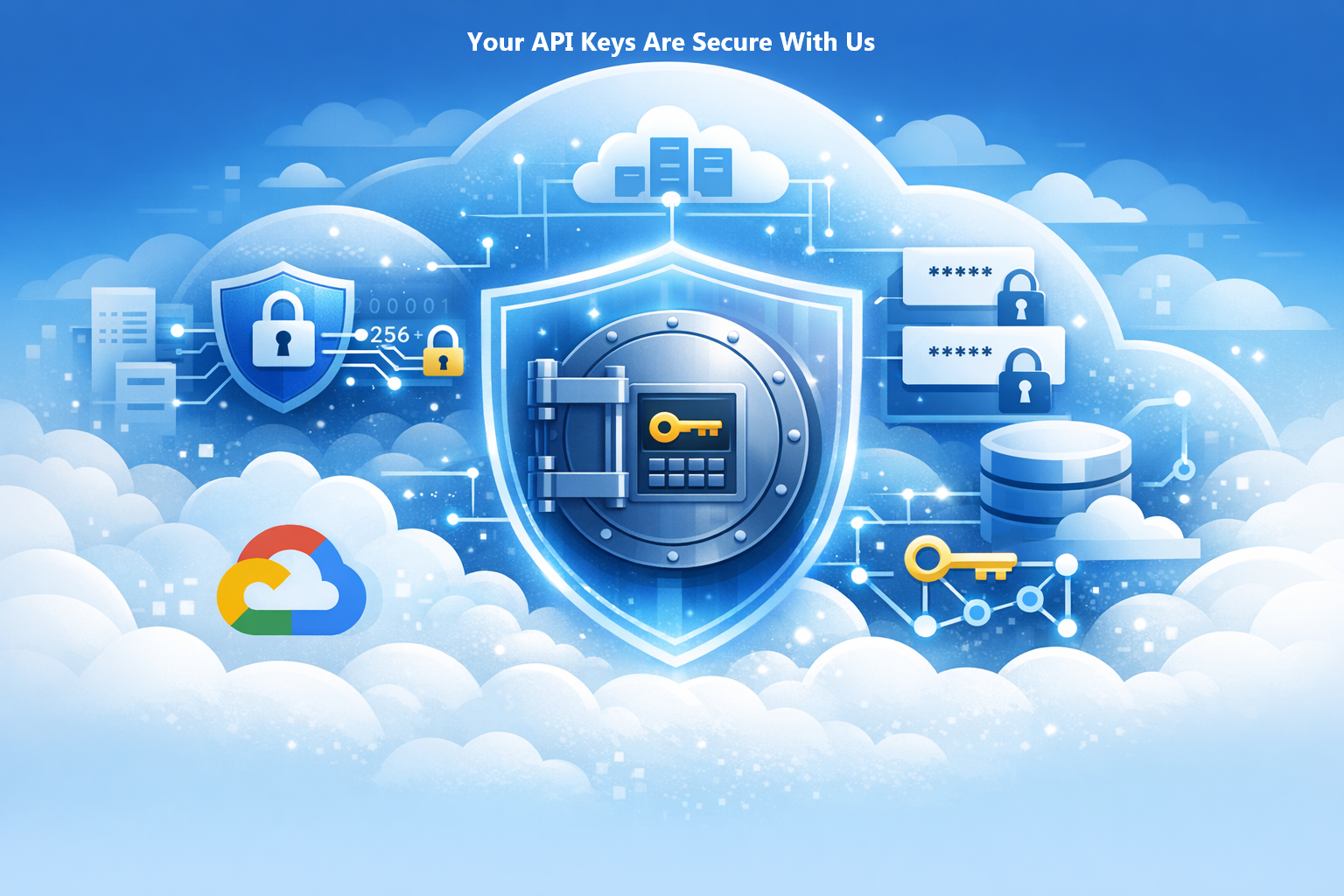
TeamUp is deployed on Google Cloud Platform and uses Cloud KMS (Key Management Service) technology to securely store and manage users' API keys. That means your credentials are protected with enterprise-grade security, encryption, and access controls built into the platform infrastructure.
Reuse your files for better AI context
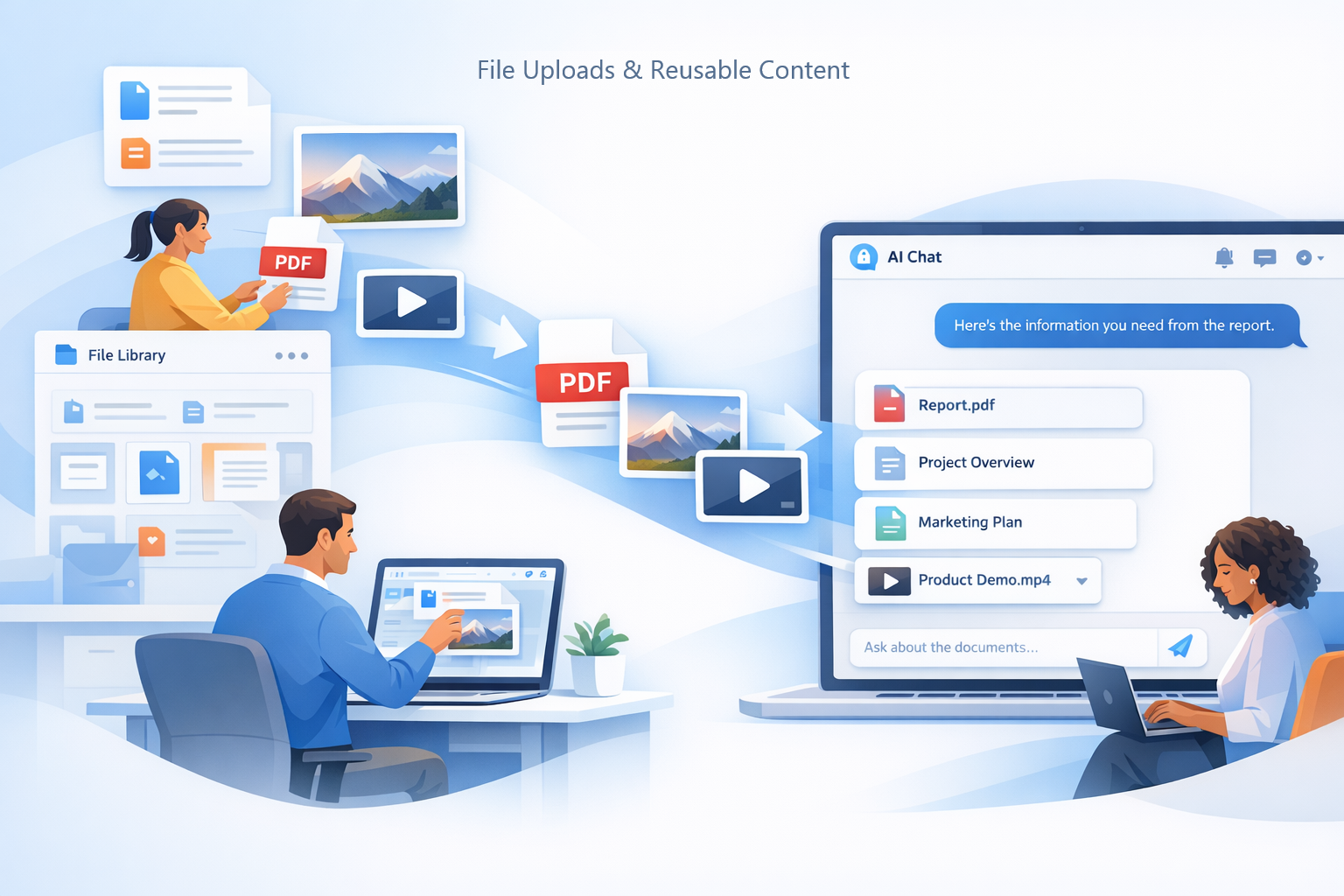
Upload documents, images, and videos into your TeamUp file library and keep them ready for future work. Attach files to AI chats when you need better context, clearer answers, or grounded support.
Reusable files help you avoid repeating the same information across conversations. Your context stays close to the projects and chats where it matters most.
Create Assistants grounded in your own documents
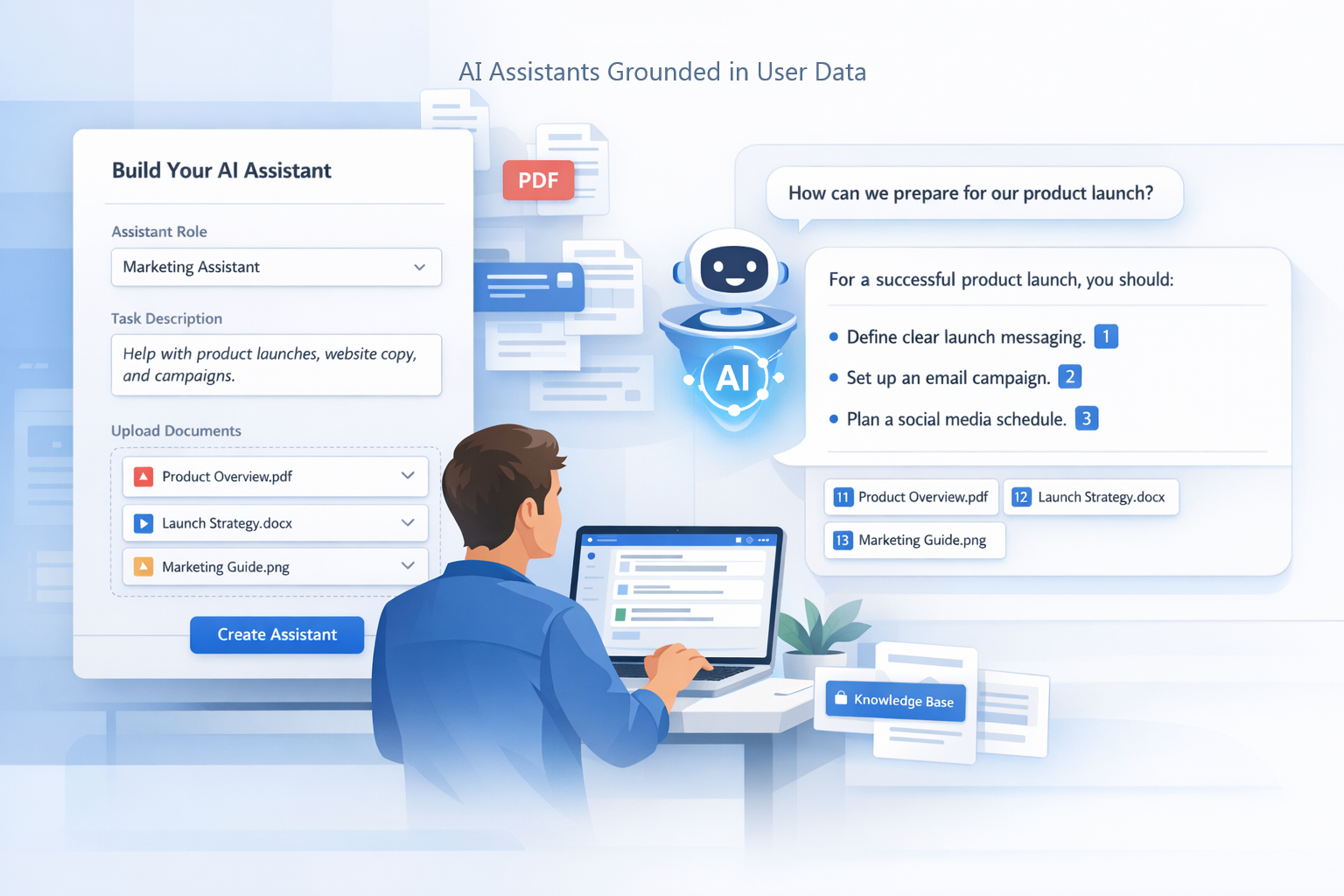
Create your own AI Assistants by defining their role, task, and the documents they should use. Upload manuals, policies, PDFs, knowledge bases, or other work materials to ground their responses.
Ask questions in natural language and receive answers based on your uploaded sources. Assistants help you turn your knowledge into reusable AI support in TeamUp.
Keep conversations close to the work
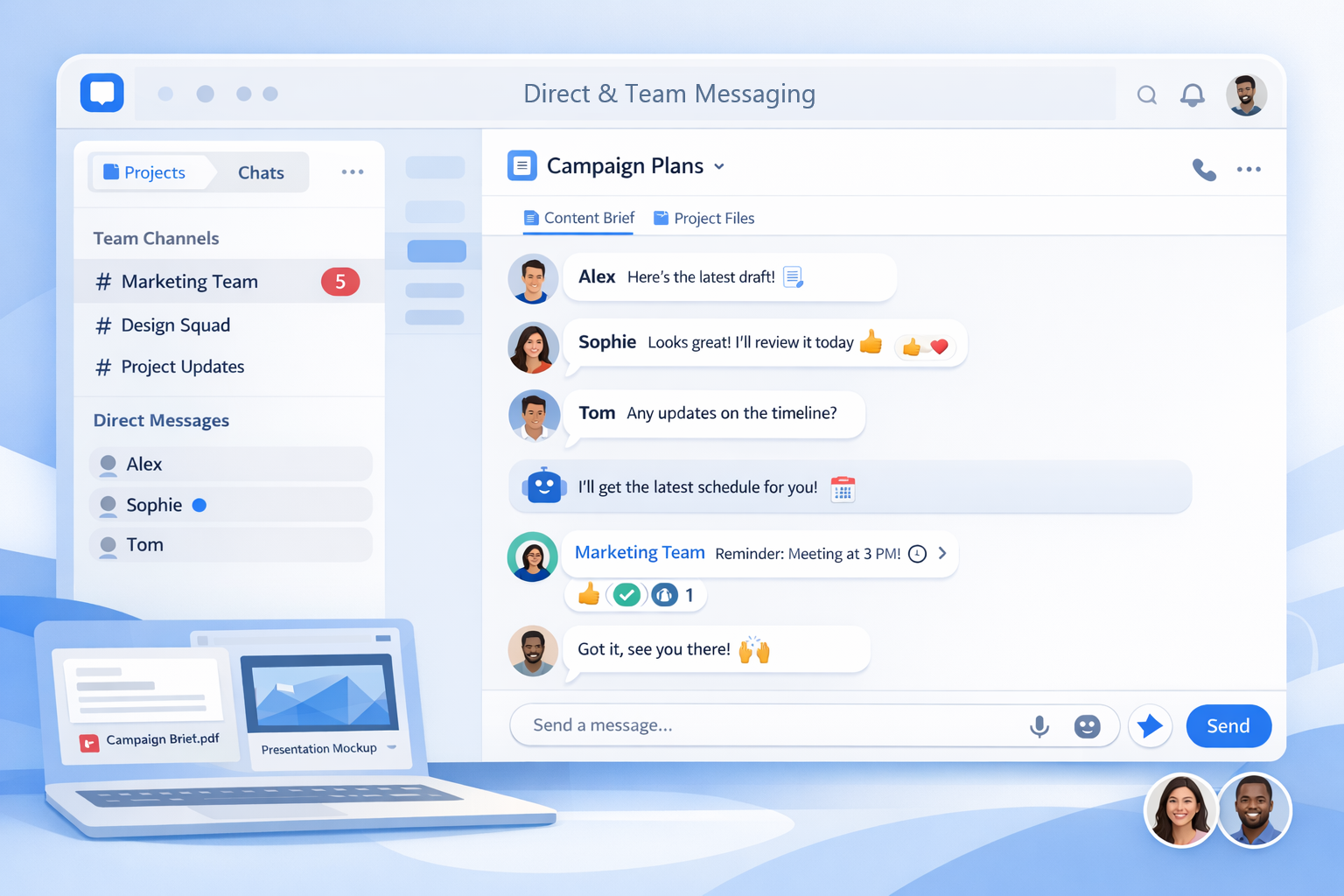
Send direct messages and team messages without leaving your TeamUp workspace. Keep quick questions, updates, reactions, and follow-ups close to the work they support. Unread indicators help you stay on top of conversations that need attention.
Messaging in TeamUp keeps communication connected to projects, chats, and team activity.
Turn Assistants into reusable team knowledge
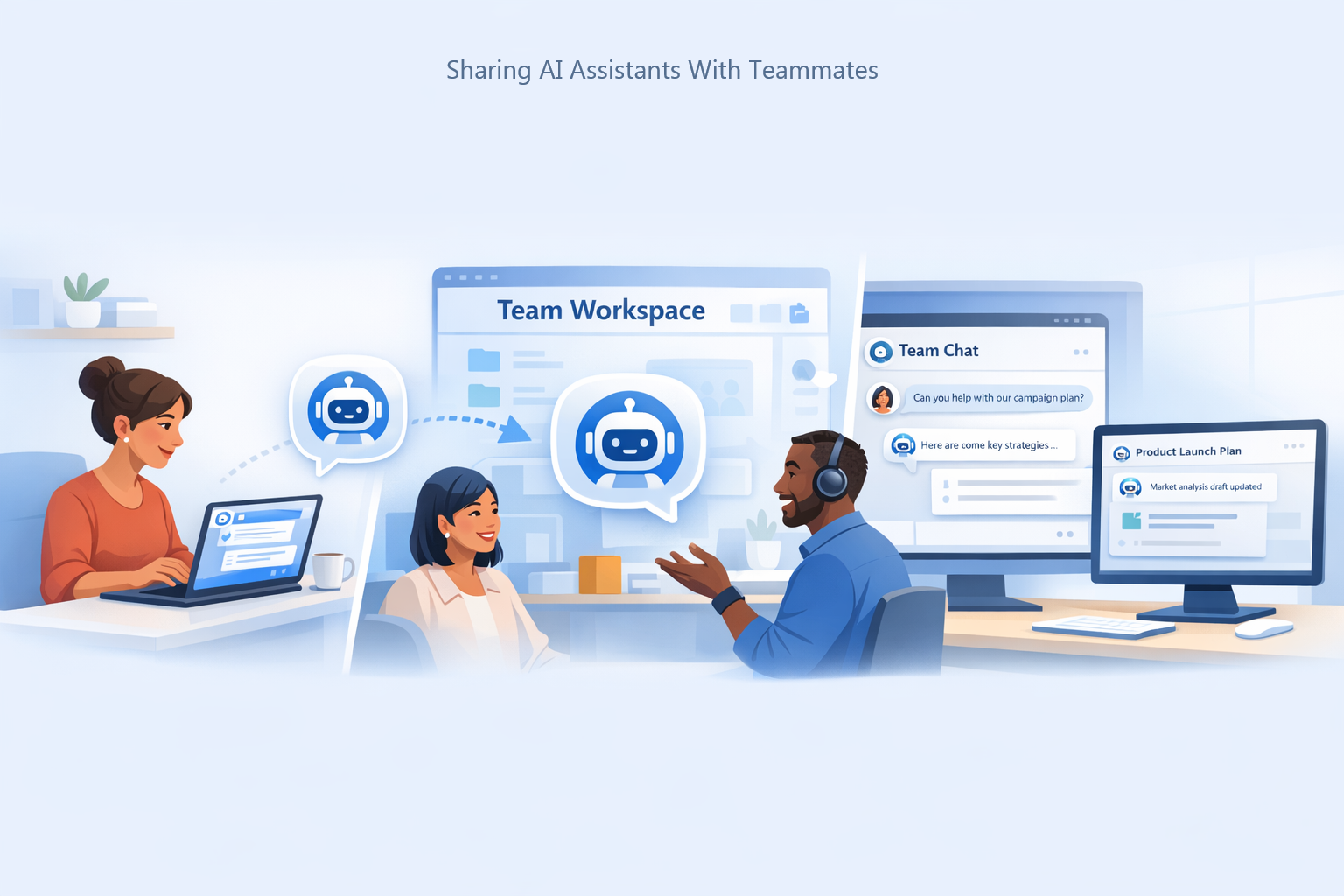
Share your AI Assistants with teammates so their value goes beyond your own workspace. Teammates can use shared Assistants in team chats and in their own personal projects. This helps everyone access the same trusted knowledge without having to rebuild the Assistant from scratch.
Shared Assistants become reusable team assets that support more consistent work.
Collaborate with your team in one workspace
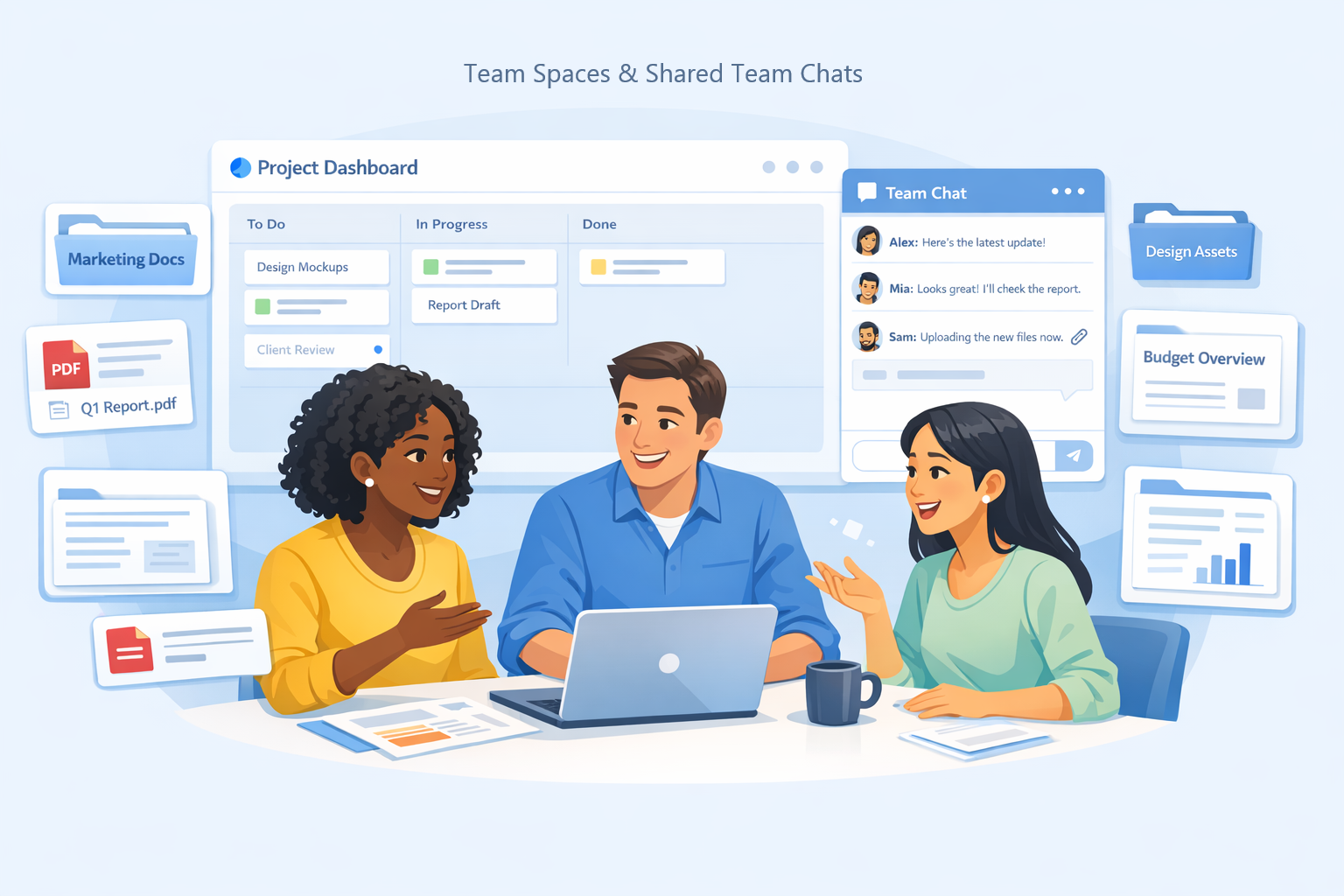
Create shared team spaces where projects, chats, files, and ideas can stay connected. Use team chats to work with teammates in the same context, rather than scattered across separate tools. Invite people into the workspace, discuss next steps, and keep decisions close to the work.
TeamUp helps collaboration feel organised, practical, and easy to continue.
Explore team ideas in your own workspace
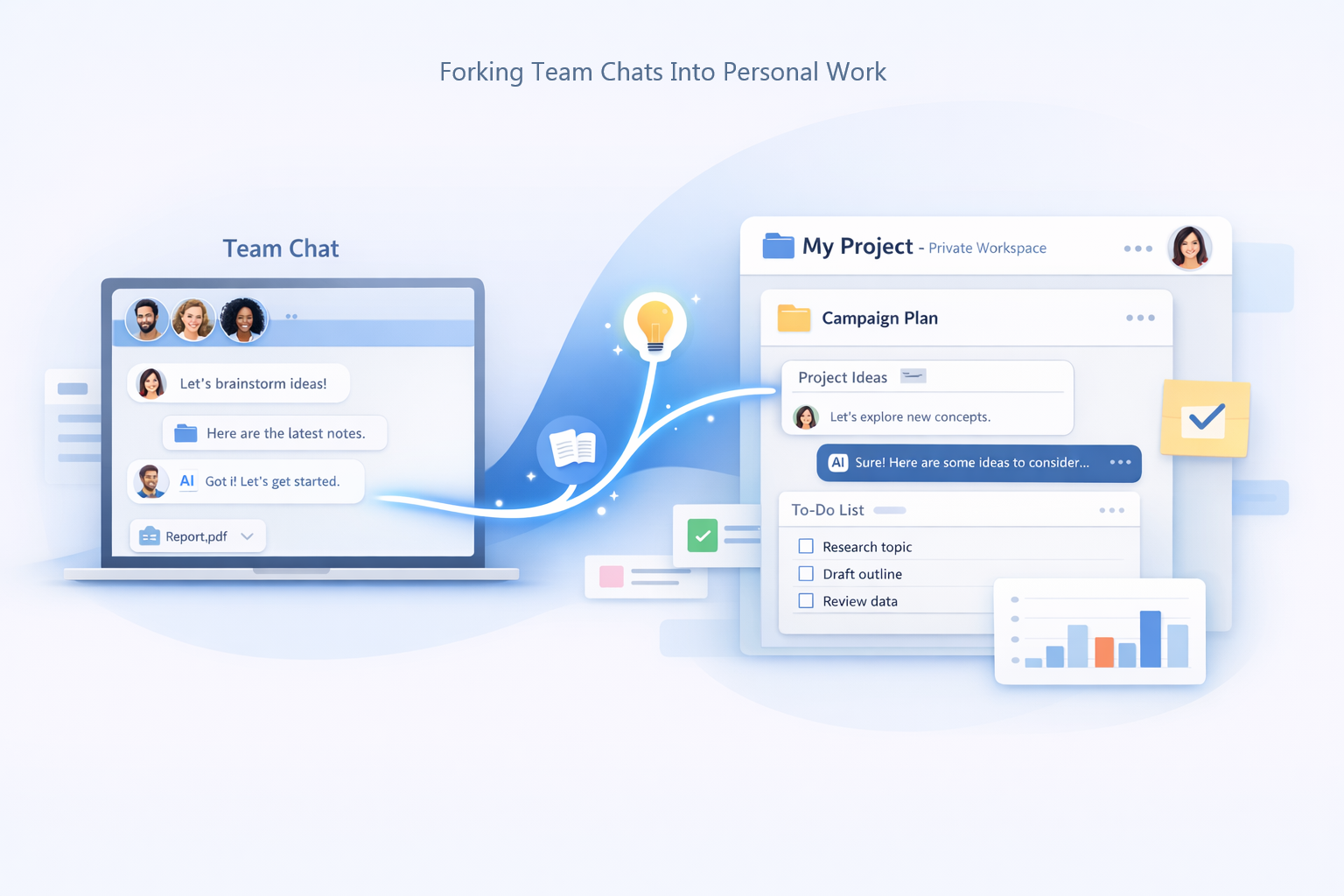
Fork a team chat into your personal workspace when you want to explore an idea privately. TeamUp creates a personal copy of the conversation, so you can continue without changing the shared team chat. This helps you build on team context while keeping independent thinking separate.
It is useful for deeper research, drafting, testing ideas, or preparing your own next steps.
Save useful context and reuse it later
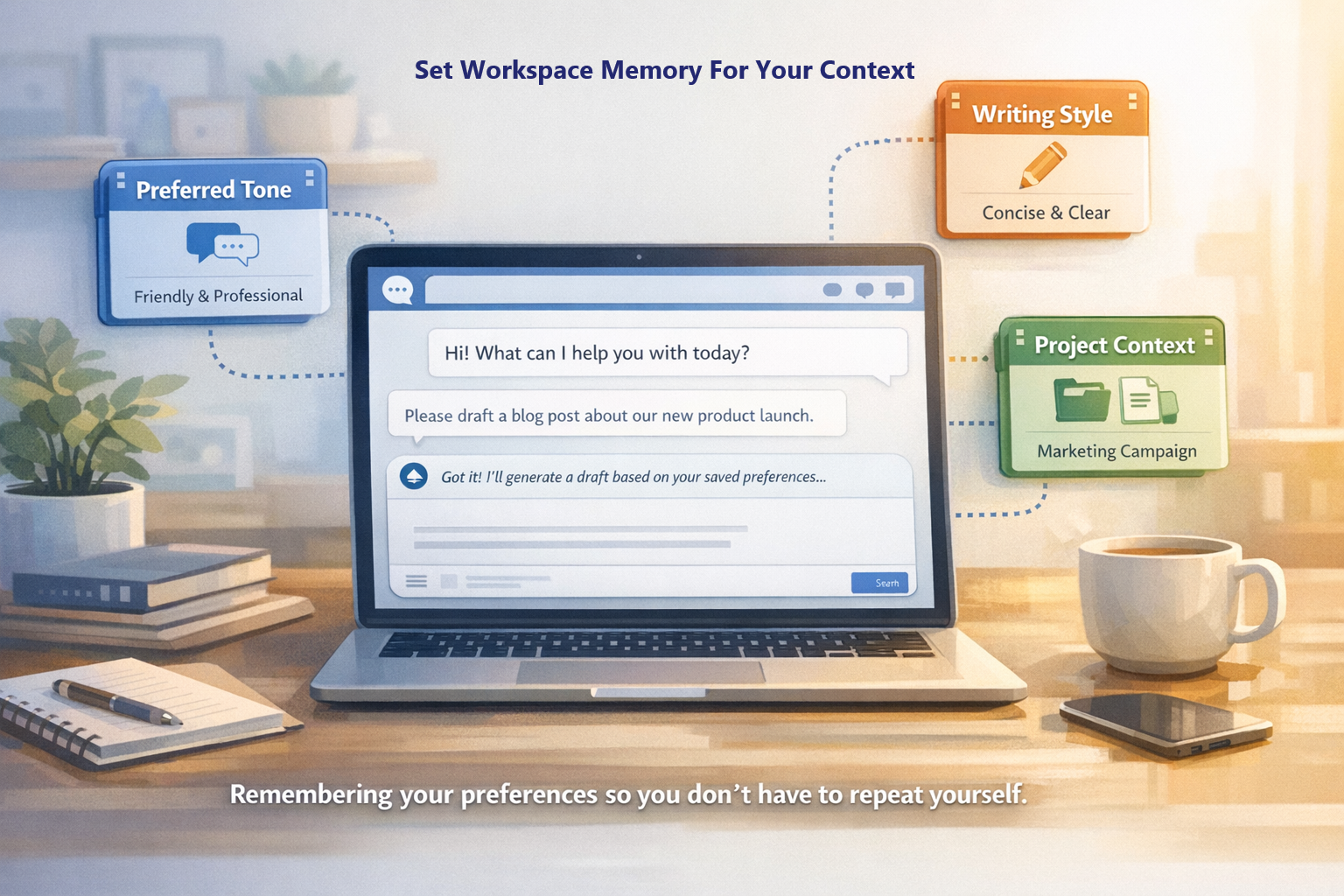
Workspace memory helps TeamUp remember useful context about how you work. You can save preferences such as writing style, personal notes, and custom instructions. This means you do not need to repeat the same details in every conversation. Memory helps AI responses feel more relevant, consistent, and useful over time.
Make your workspace feel like yours
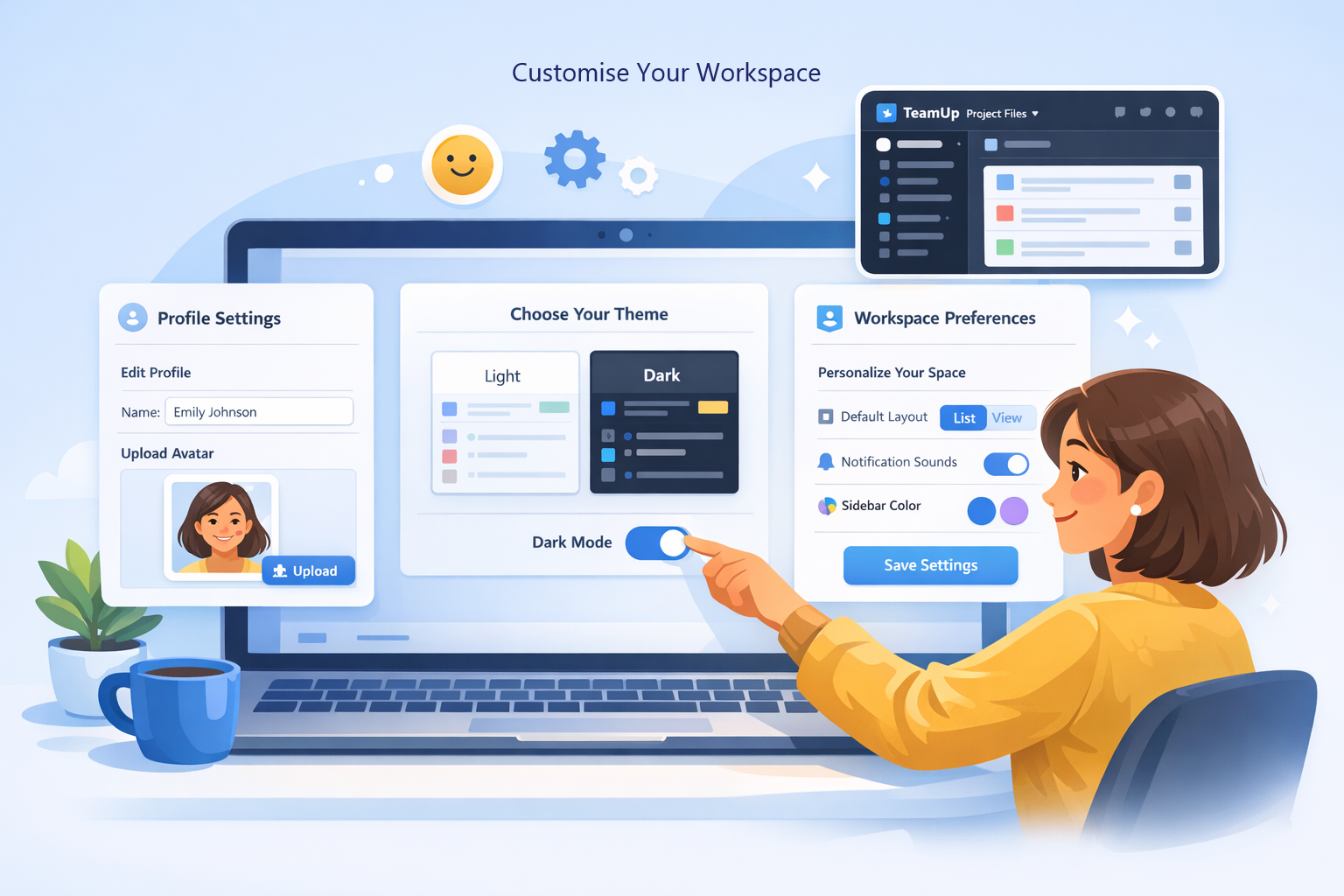
Customise TeamUp so the workspace feels comfortable and personal to you. Update your profile, avatar, theme, and workspace preferences from one settings area. Choose how your workspace looks and how AI should support your daily work.
TeamUp gives you control over the experience, so it fits the way you like to work.
Find past work when you need it
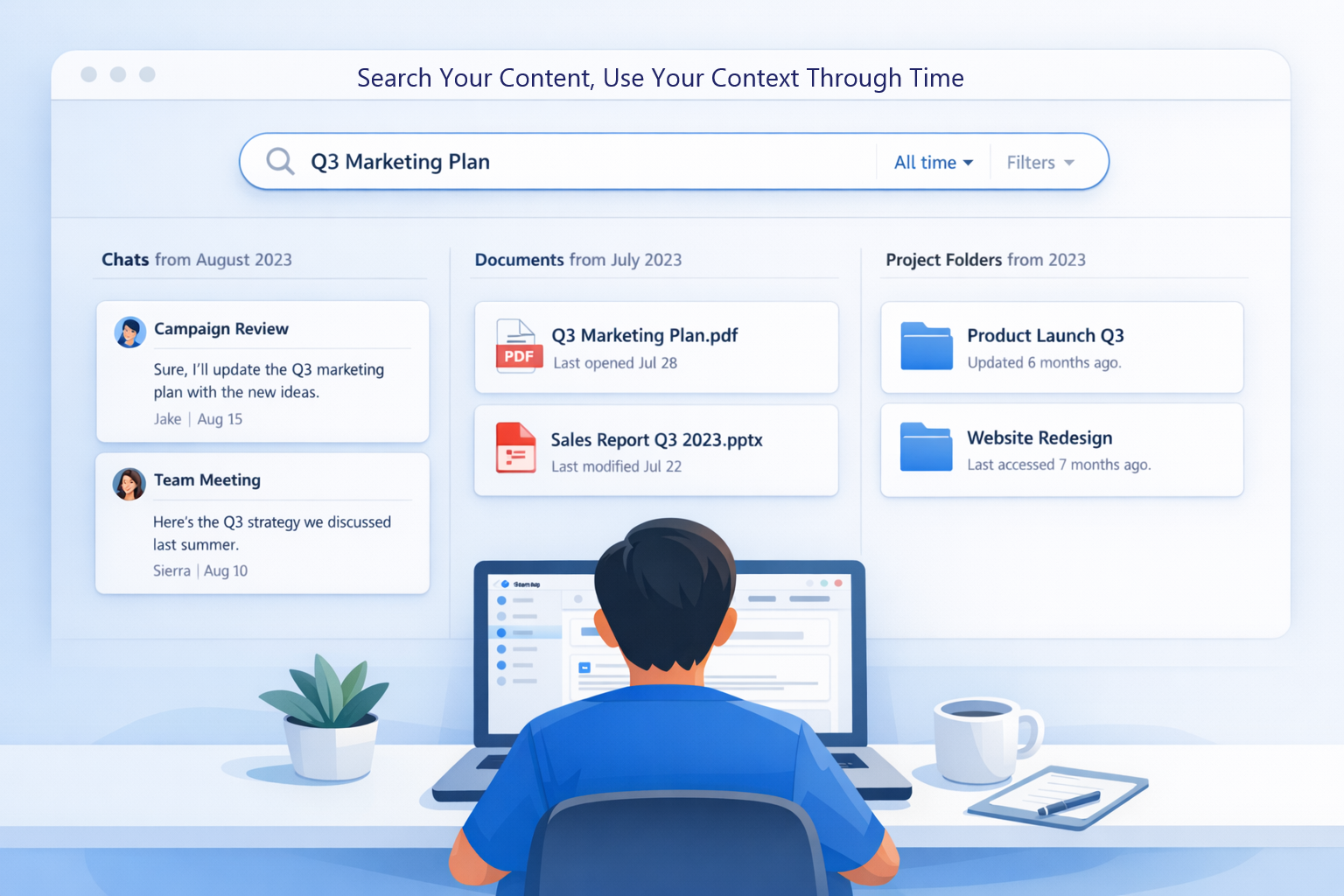
Search across your TeamUp workspace to quickly find chats, files, projects, and folders. Use it when you need to return to old work, locate a document, or continue a previous idea. Search helps keep useful context easy to find, rather than burying it over time.
With TeamUp, past work remains visible, organised, and ready to reuse.
Share useful AI conversations with others
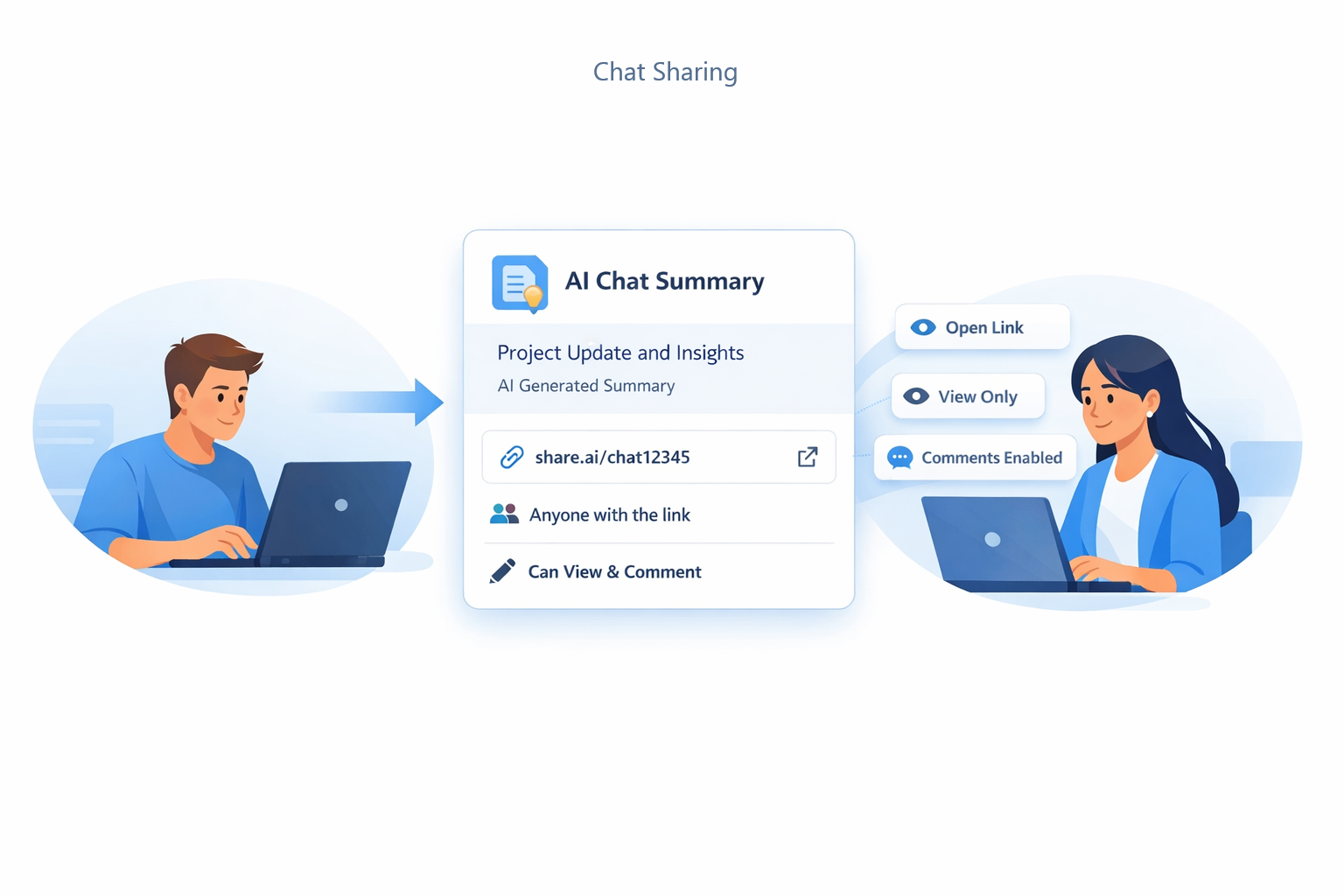
Share useful AI chats with teammates or collaborators without losing the original context. Shared chats make it easier for others to review ideas, decisions, drafts, or answers. Instead of copying results into another tool, you can keep the conversation connected.
TeamUp helps good AI work stay visible, reusable, and easier to discuss.
Stay clear on usage and billing
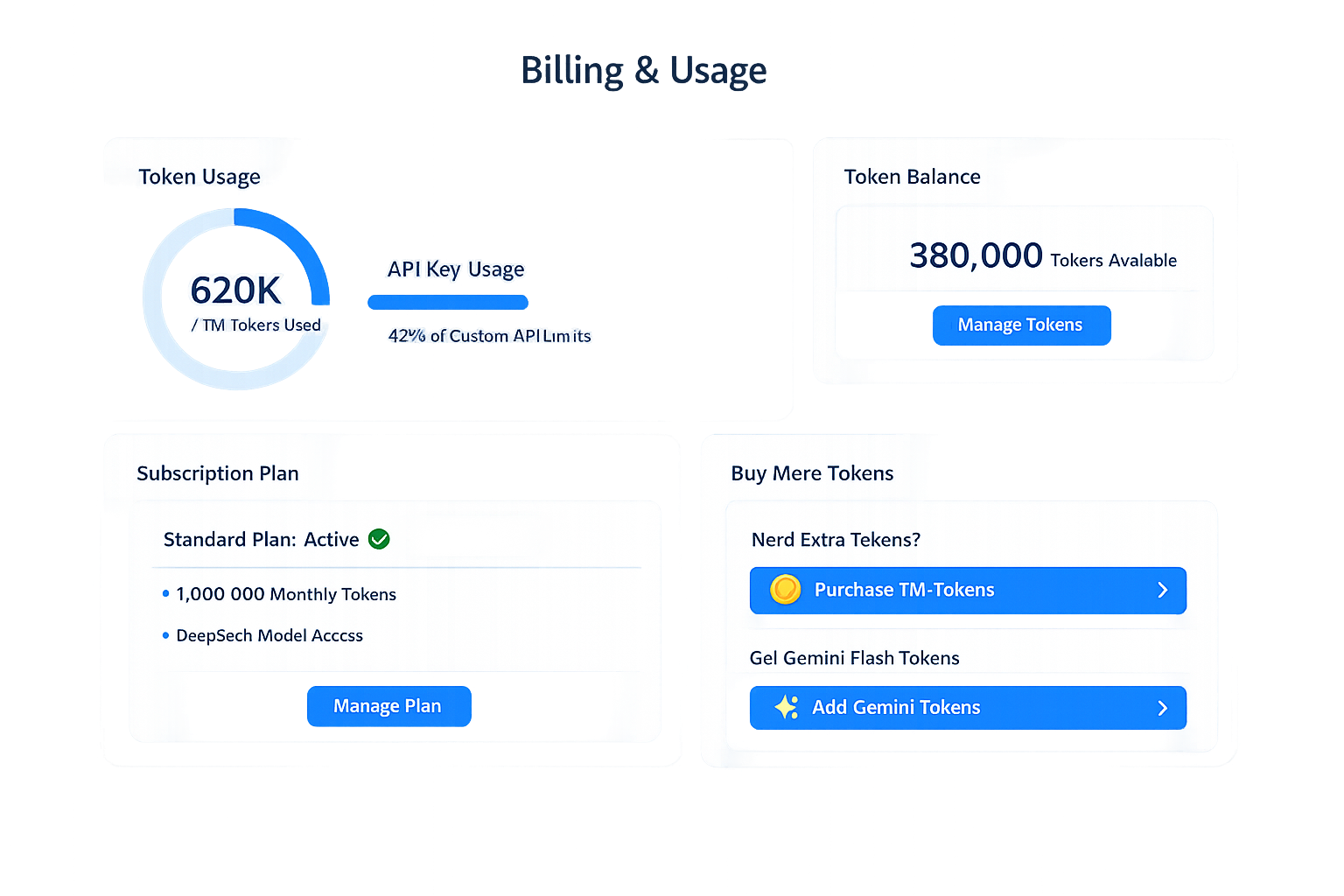
TeamUp helps you keep billing and token usage visible inside your workspace. You can review your subscription, managed token balances, and usage history from Settings. This makes it easier to understand how your AI access is being used over time.
Clear visibility helps you stay in control of costs during the beta.
Connect more of your workflow over time
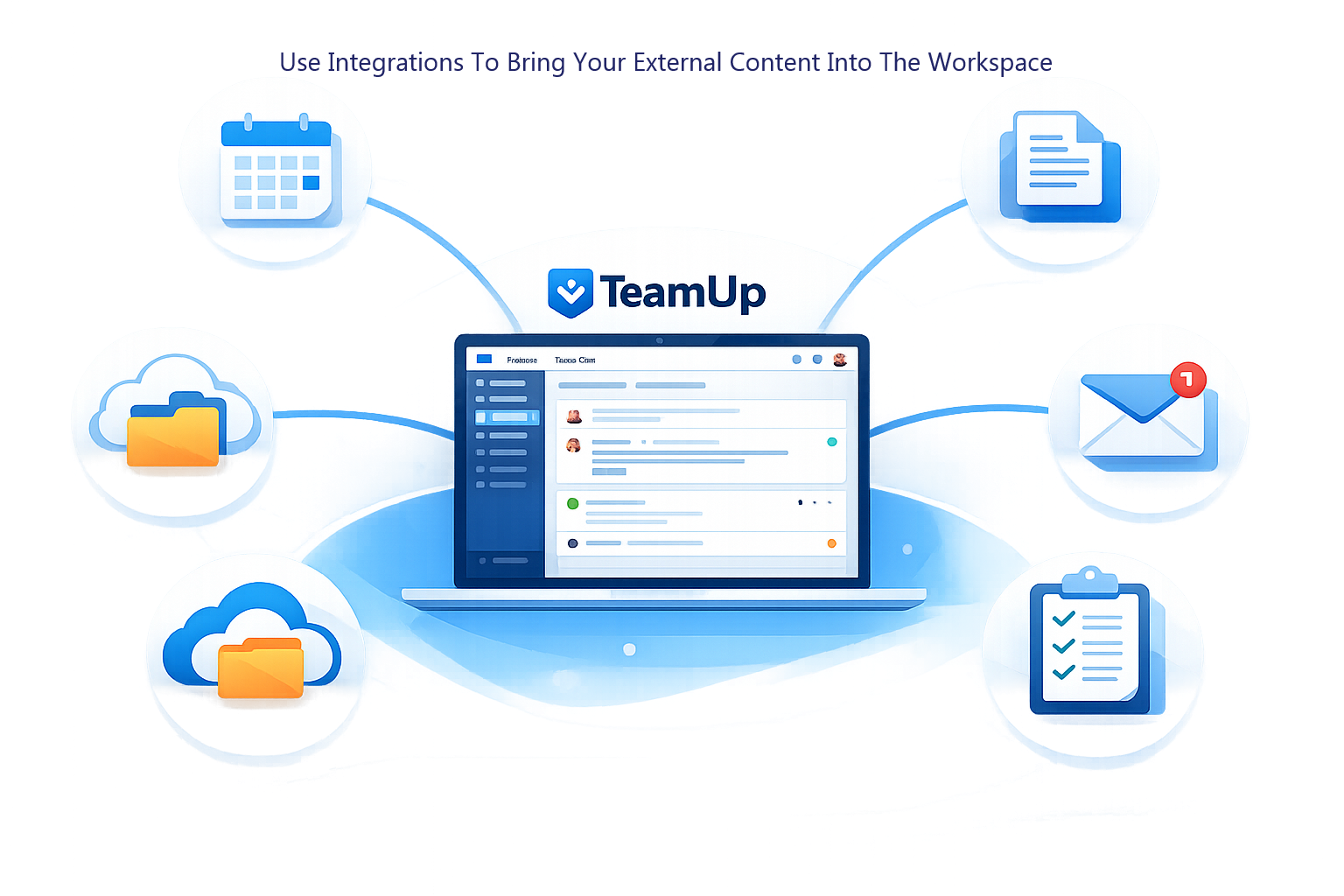
TeamUp integrations help connect more of your workflow into one workspace. You can browse available providers, manage connections, and bring selected external content closer to your AI work. Where supported, connected sources can be attached to Assistants or saved into your file library.
Integration options may continue to expand and evolve during the public beta.
Explore topics and generate reports with citations
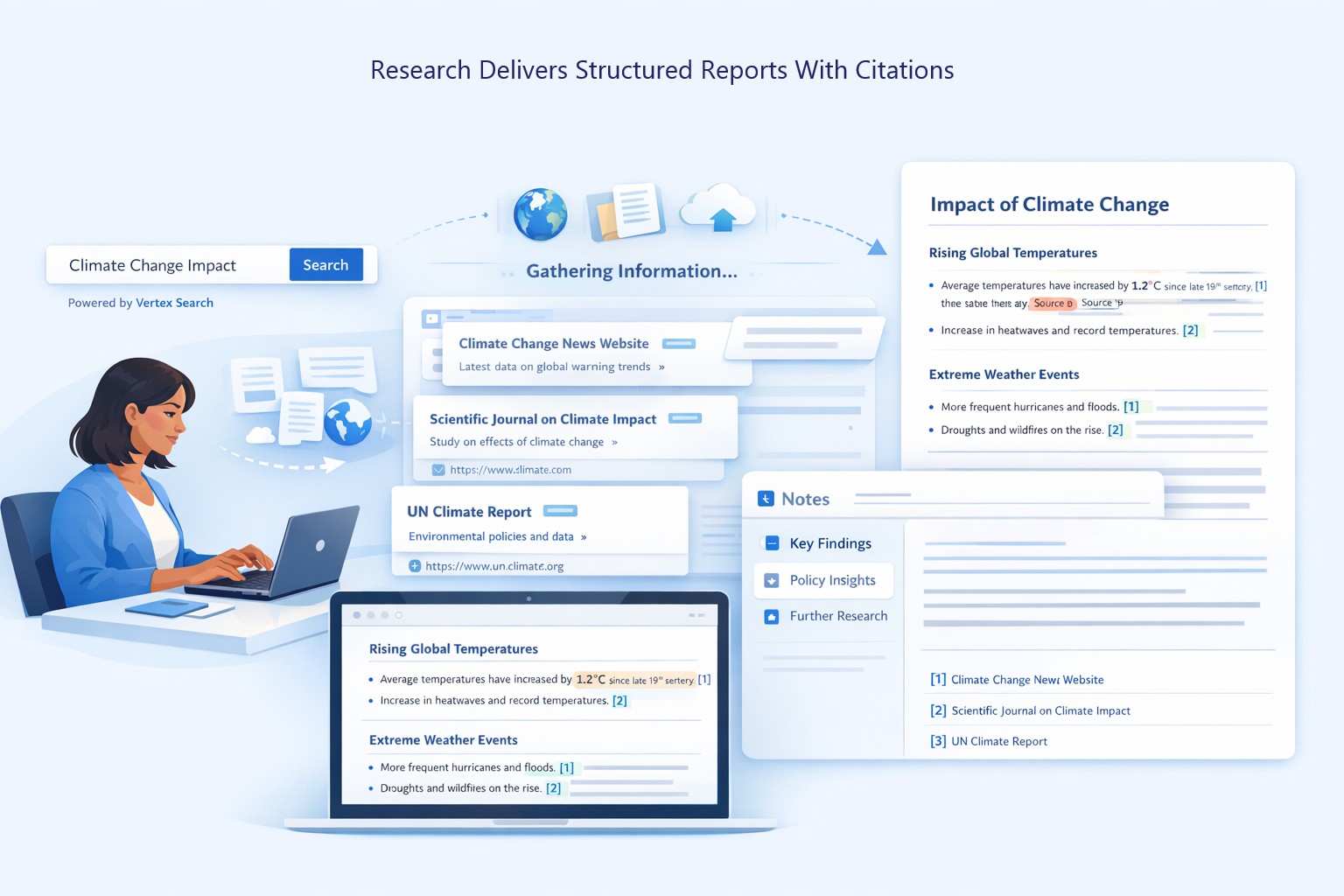
TeamUp Research helps you create structured, source-backed reports without leaving your workspace. Enter a research question, adjust the search scope, and let the system gather relevant online sources. Powered by Vertex Search, it can generate organised reports with citations, source details, and useful summaries.
Research availability may depend on your workspace settings. During the public beta,Research is included in the free tier.
Smarter support and research, built into TeamUp
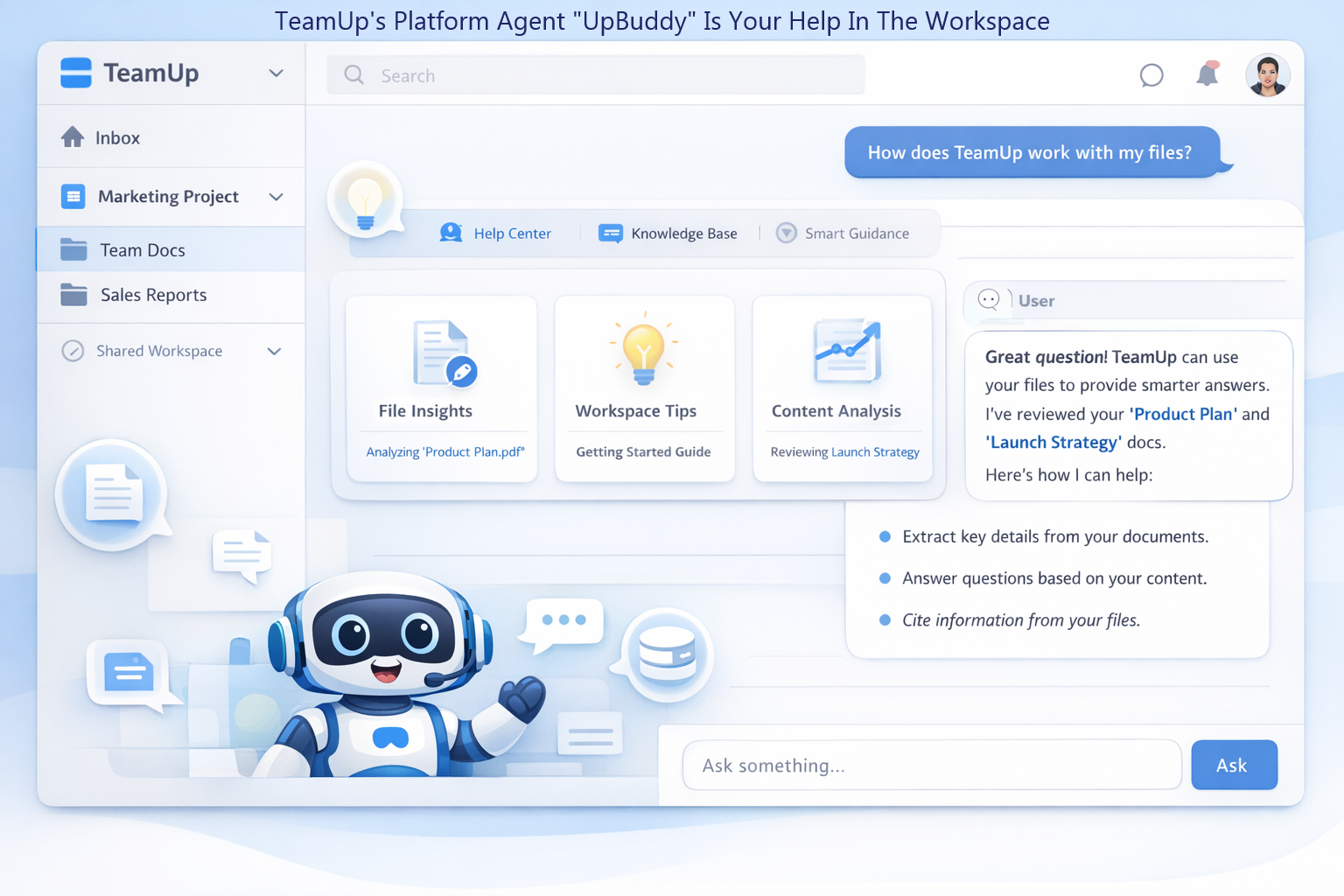
UpBuddy is TeamUp’s friendly platform agent, designed to help you understand and use the workspace. You can ask questions about TeamUp features, navigation, and your accessible workspace content. UpBuddy can help you find chats, files, projects, and useful context without leaving your current screen.
It acts as a built-in guide, making TeamUp easier to explore and use during beta.
Help shape TeamUp during public beta
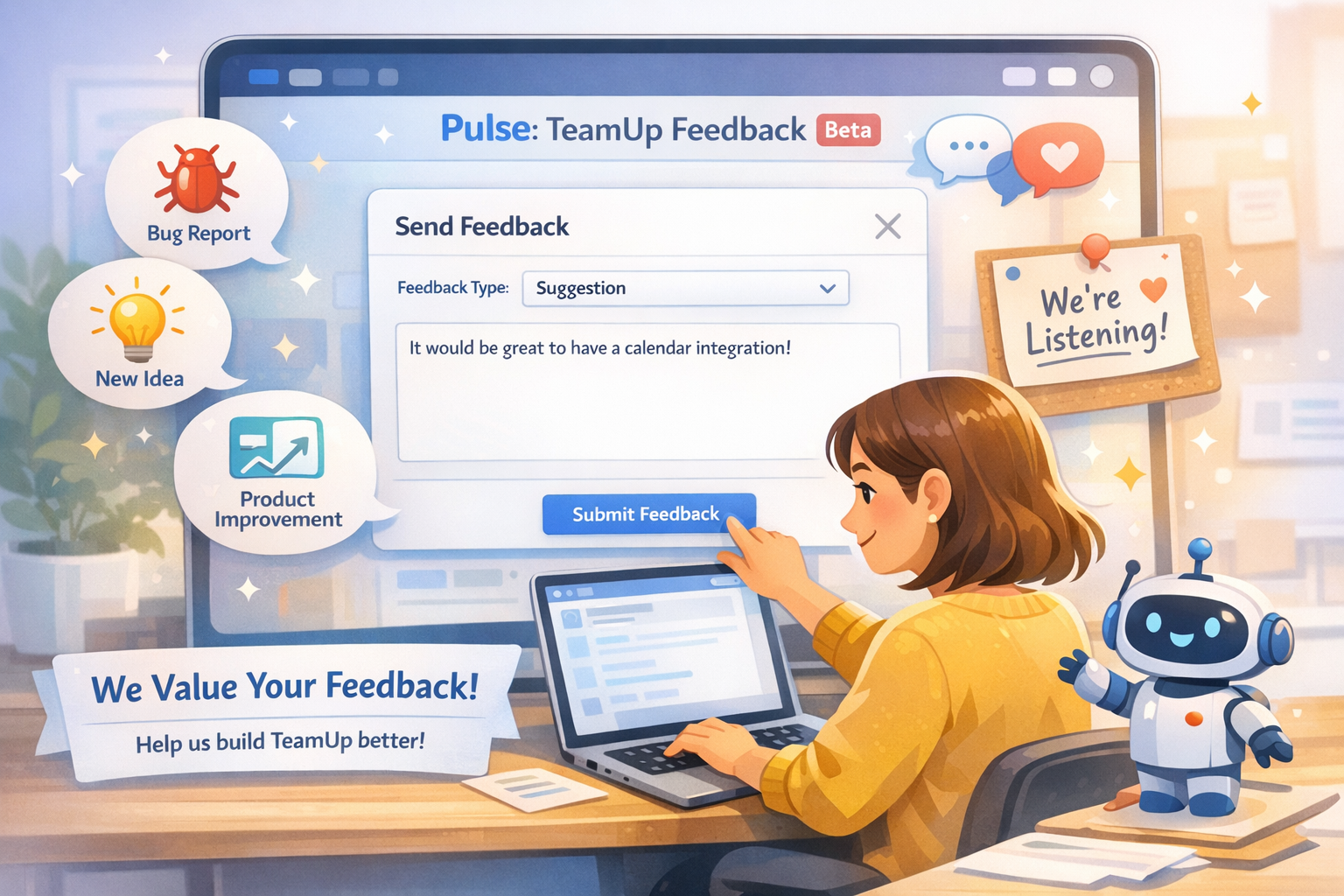
Pulse is TeamUp’s built-in space for feedback, ideas, and product updates. Use it to report issues, suggest improvements, or tell us what is working well. During public beta, your feedback helps shape what TeamUp becomes next.
Pulse keeps the conversation between users and the product team simple and direct.
Common Questions About TeamUp
What is TeamUp?
TeamUp is an innovative AI workspace that integrates AI chat, projects, folders, files, Assistants, messaging, and team collaboration into a single, cohesive platform.
How is TeamUp different from other apps like Notion or ClickUp?
TeamUp is an AI-first workspace focused on AI chat, projects, files, memory, Assistants, messaging, BYOK model access, and team collaboration, while tools like Notion or ClickUp are broader productivity and project-management platforms. TeamUp’s main purpose is to help users organise AI work, reuse context, and collaborate around AI conversations inside one workspace.
Is TeamUp available now?
Yes, TeamUp is currently in public beta, allowing users to experience and contribute to its development.
What does BYOK mean?
BYOK stands for Bring Your Own Key, enabling users to connect their own API keys for supported AI providers and choose their preferred models.
Is my data and my API key secure?
TeamUp is deployed on Google Cloud Platform and uses Cloud KMS technology to help secure users’ API keys. Your workspace data, chats, files, and keys are used to provide the service and are not made visible to other users or third parties without permission, except where required to operate the service or comply with legal obligations.
Do I need an API key to use TeamUp?
While BYOK is the primary setup, TeamUp offers managed options for users who prefer not to use their own API keys.
Which AI models does TeamUp support?
Users can use OpenAI, Anthropic, Google, xAI and other OpenAI-compatible models with their own API keys. Managed options currently include a 1,000,000-token allowance on DeepSeek, Gemini Flash text/chat tokens sold in 1,000,000-token batches, and Vertex Gemini credit packages.
How does TeamUp help me organise AI work?
TeamUp lets you organise chats into projects and folders so your AI work stays structured, easy to find, and simple to continue later.
What are TeamUp AI Assistants?
AI Assistants are custom helpers you create using your own documents, role instructions, and task descriptions to generate grounded answers.
Can I share AI Assistants with others?
Absolutely. Users can share their custom AI Assistants with teammates, facilitating collaboration and enhancing productivity.
How does TeamUp support teamwork?
TeamUp provides shared team spaces and team chats so people can collaborate around projects, context, and AI conversations in one place.
Does TeamUp include messaging?
Yes, TeamUp includes direct and team messaging so conversations can stay close to the work they support.
What does workspace memory do?
Workspace memory helps save useful preferences and context so you do not have to repeat the same information in every chat.
Can I tell TeamUp how I want AI to respond?
Yes, custom instructions let you guide the AI’s tone, format, level of detail, and working style.
Can I find old chats and continue them later?
Yes, TeamUp helps you return to previous work so old chats, files, and project context remain useful over time.
Will TeamUp connect with other tools?
TeamUp includes an integrations foundation that can expose connected workflow features as they become available during rollout.
What is UpBuddy?
UpBuddy is TeamUp’s platform agent that helps answer questions about the app and about the user’s own workspace content.
What happens to my data and account after beta ends?
When beta ends, you can continue using the Free plan with limitations or upgrade to a paid plan with higher limits if you have not already. Users will continue to have control over their account and workspace data in line with TeamUp’s Privacy Policy and Terms of Use.